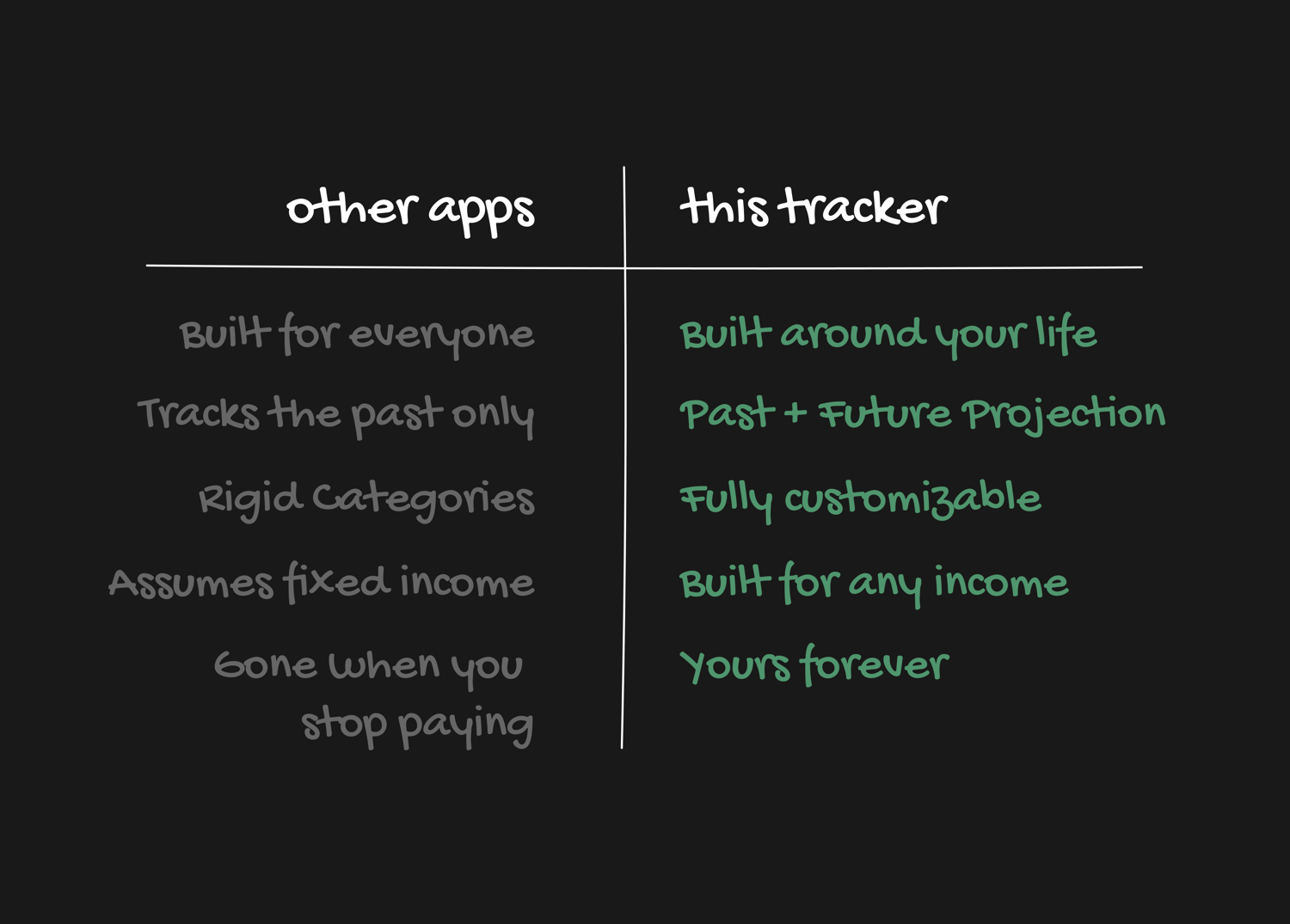

A FINANCIAL SYSTEM THAT ACTUALLY FITS YOUR LIFE.
The last tool you'll ever need to finally understand your full financial picture.

The last tool you'll ever need to finally understand your full financial picture.

One freelance income. One salary. Zero apps that could handle both the way we needed. So we stopped searching and built exactly what we wanted - a tracker that flexes to any financial life.
We want you to know exactly what you're getting.

-- Tyler Renn
One Payment. Yours Forever.
One-time payment. Everything you need to get a clear, honest picture of your finances - built to work with a free Notion account.
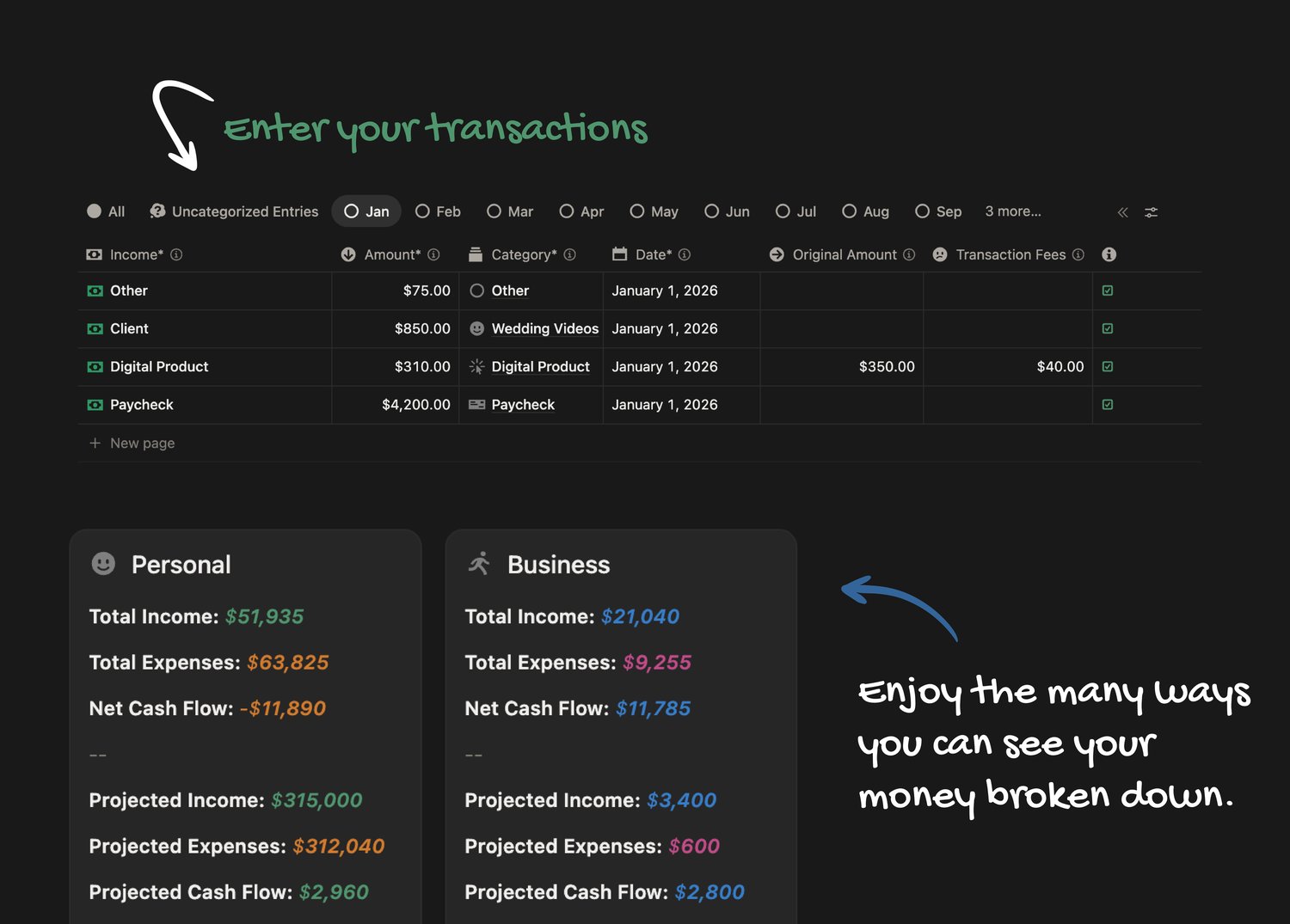
Getting started is simple: add your transactions manually, or connect Finta for automatic data syncing right inside the tracker. Finta is an optional third-party add-on with its own subscription, paid directly to them - not to us.
Built for U.S. dollars by default. Want another currency? Send us a message.
Not just your bank balance. Your actual net worth - broken down into property, investments, cash, credit cards, and loans. See your equity percentages, your total investment gain or loss, and every credit card balance and limit.
Give every part of your financial life its own space. Personal. Freelance. Real estate. Each bucket tracks its own income, expenses, categories, and net cash flow. Color-code them however you want. See one bucket at a time, two together, or all of them combined.
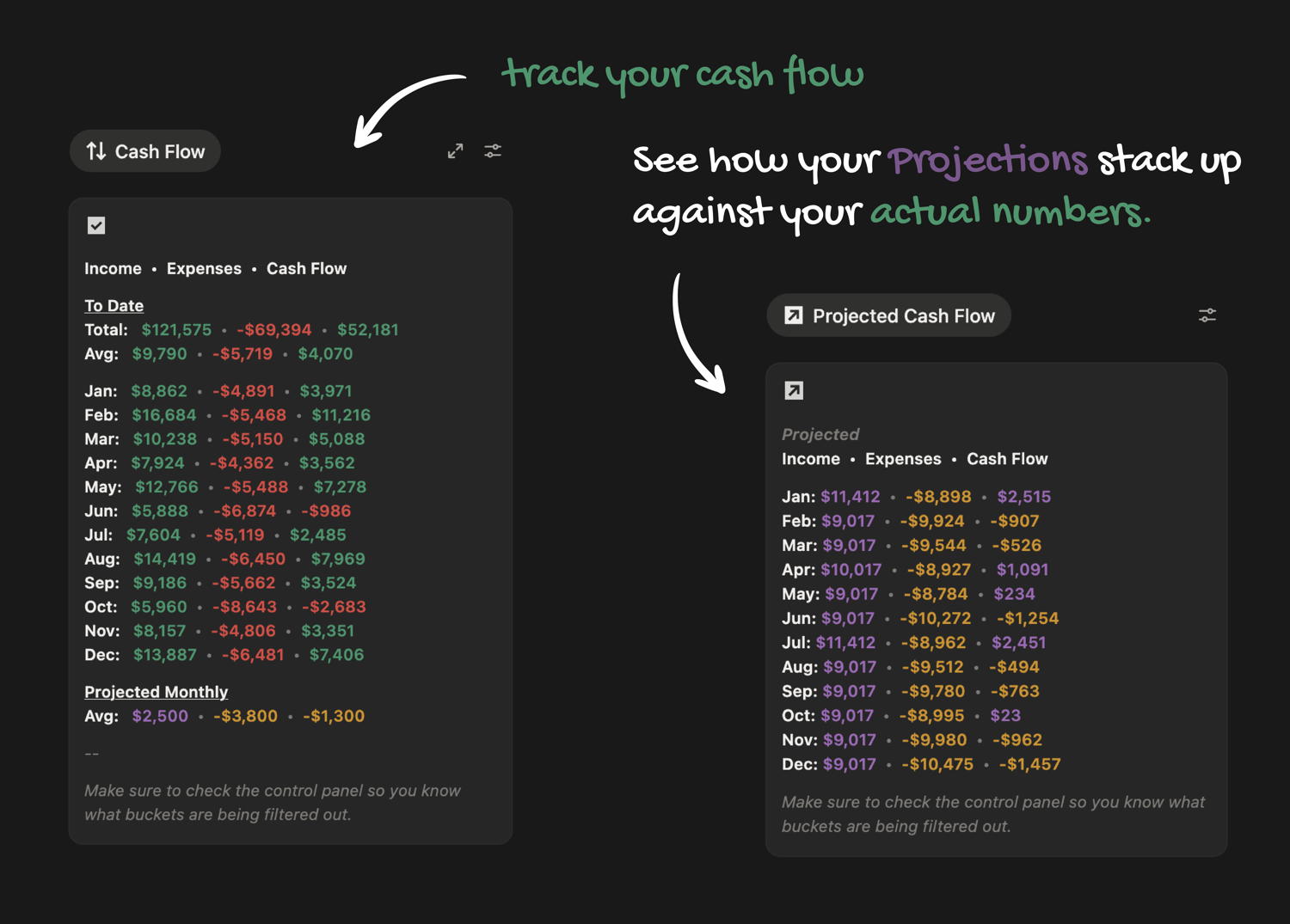
See your full year of projected cash flow built from your recurring income, known expenses, budget, and savings goals - stacked right next to what actually happened. Input your recurring transactions once and the tracker maps your entire year automatically. Get a heads-up on what income and expenses are coming up this week before they get here. Slow months, big expense months, tight stretches - you'll see them coming instead of getting blindsided.
Every budgeting app assumes you get paid the same amount on the same day every month. If that's not you those apps have never really worked. This one does. See exactly how much you have left each month and each year after your budgets, savings goals, and recurring transactions are accounted for. Create any budget you want by combining categories. See your mandatory fixed costs automatically separated from your flexible spending. Know where you stand before the month is over - not after.
Your loans have an end date. Do you know when it is? See the payoff calculator, your payoff percentage, and exactly how close you are to done - for every loan you carry. If you own property, see your equity percentage updating as you pay it down. Debt stops feeling abstract when you can actually watch it shrink.
Tell it any two things - your goal, your deadline, or what you can set aside each month - and it figures out the third. Watch how each savings goal reshapes your projected cash flow for the year.
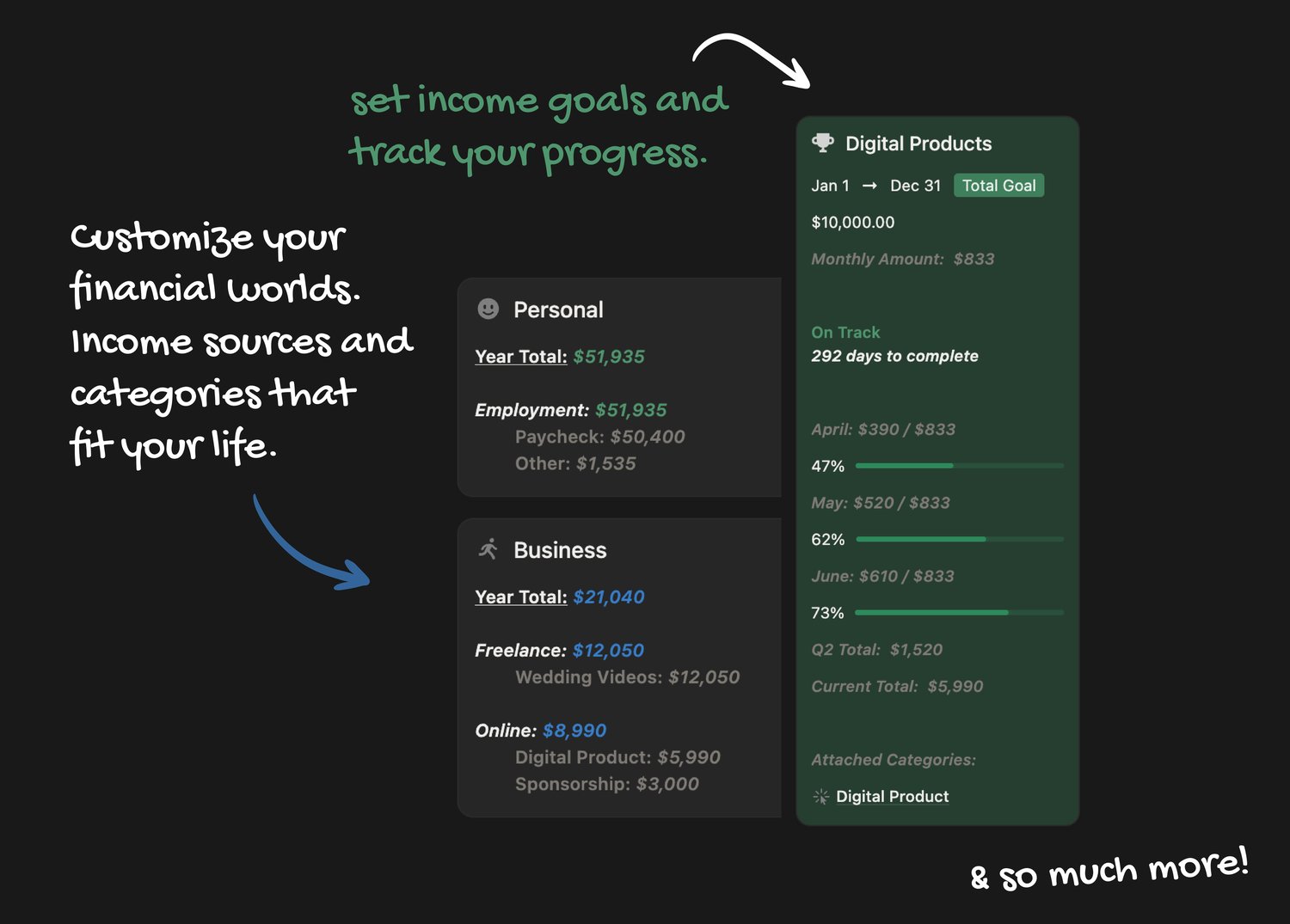
Set a target - say, $100k in freelance income this year - and track your progress in real time. The tracker also tells you exactly how many products, clients, or projects you need per month to get there. Not vague motivation. Actual math.
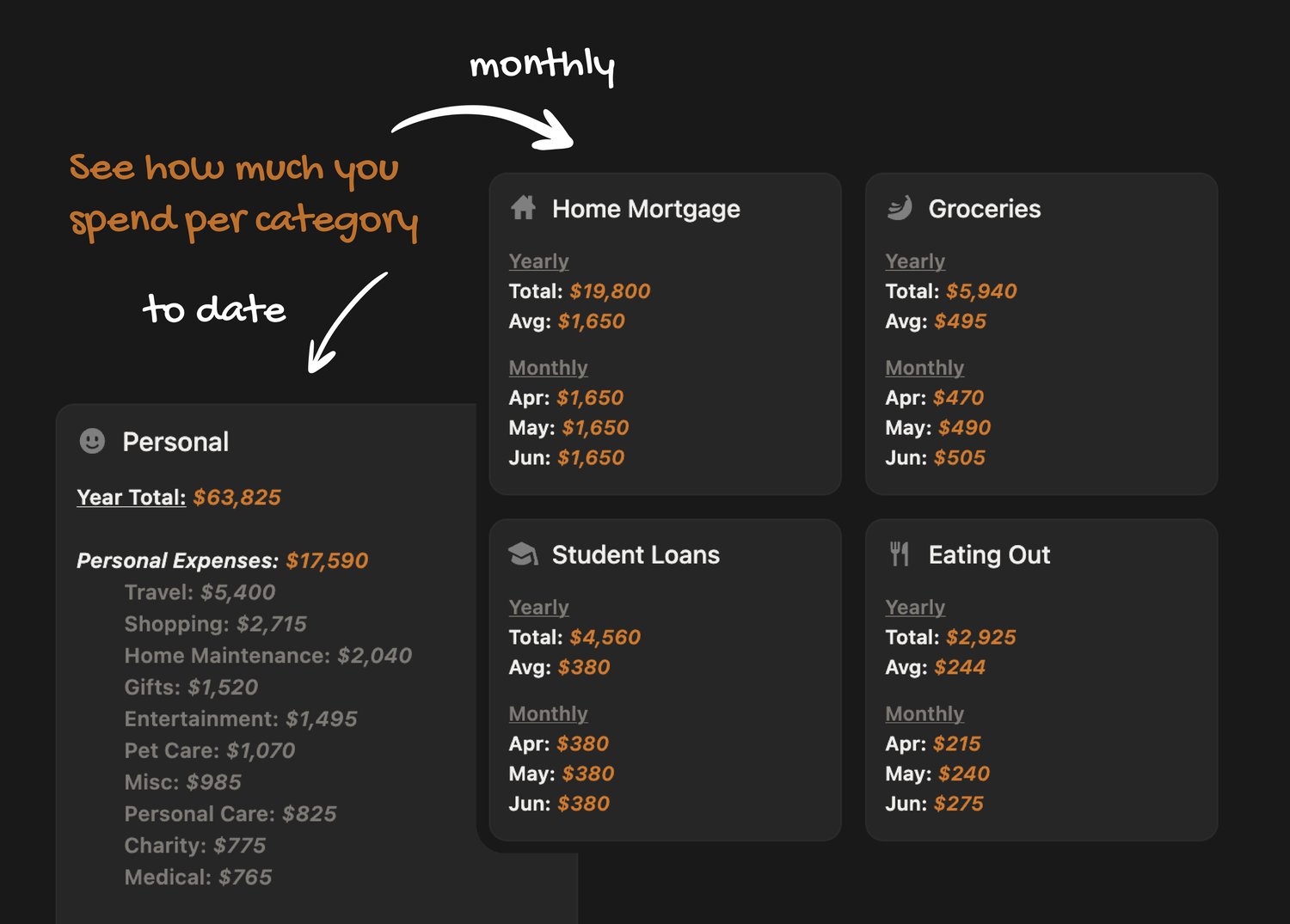
See your income and expenses broken down by category - monthly totals, yearly totals, averages, and your highest earners and biggest spenders. Build your own groups however you think: an online income group with affiliate, digital products, and brand deals. Your money, labeled and sorted the way your brain actually organizes it.
Those little processing fees are taking more than you think. See exactly what you're paying in transaction fees. Most freelancers have never actually added it up. This does it for you.
Put your numbers in. The tracker does everything else - every total, every breakdown, every projection, every calculation. Automatic.
Every category, every group, every bucket, every label. Add what you need, remove what you don't. This isn't a template you fit yourself into. It's a starting point you make completely yours.
The tracker lives in Notion - a free platform you can use on your computer or phone. After a quick setup, it's ready to go.
There may be a small learning curve if you've never used Notion before - but we've got you covered. We have video walkthroughs to help you every step of the way.
It doesn't connect automatically out of the box and that was a deliberate choice. Manual entry means your data is always accurate with no misread transactions. If you want automatic syncing, Finta is a great optional add-on you can set up right inside the tracker. It has its own subscription paid directly to them - totally separate from us.
Yes. Notion uses strong security measures to protect your data. As an added precaution we recommend not storing account numbers directly in the tracker.
Yes - Notion allows you to share your workspace so both of you can access and update the tracker in real time.